
What Is a Plug-and-Play Light Kit? Your EZRGB Guide
An EZRGB plug-and-play kit includes the equipment and extensions listed on its product page. Choose mounting hardware for your home and purchase sequences and matching music separately. During setup, EZPlayer programs the controllers for your show using your EZRGB layout.
Here’s what a typical kit includes at a glance:
-
Pixel props (preinstalled addressable RGB LEDs)
-
Controller, bench-tested before shipment
-
Power supplies sized for your pixel count
-
Wiring, connectors, and pixel extension cords
-
EZPlayer access for cloud-based scheduling and playback
*Sequences and matching music are separate purchases.
Table of Contents
-
How the plug-and-play process works from design to first playback
-
How plug-and-play kits differ from a traditional DIY pixel setup
How the plug-and-play process works from design to first playback
The data flow for an animated pixel show runs from sequencing software to a show player to a controller to the pixels themselves. EZRGB automates every step in that chain so you never touch the middle layers manually.
-
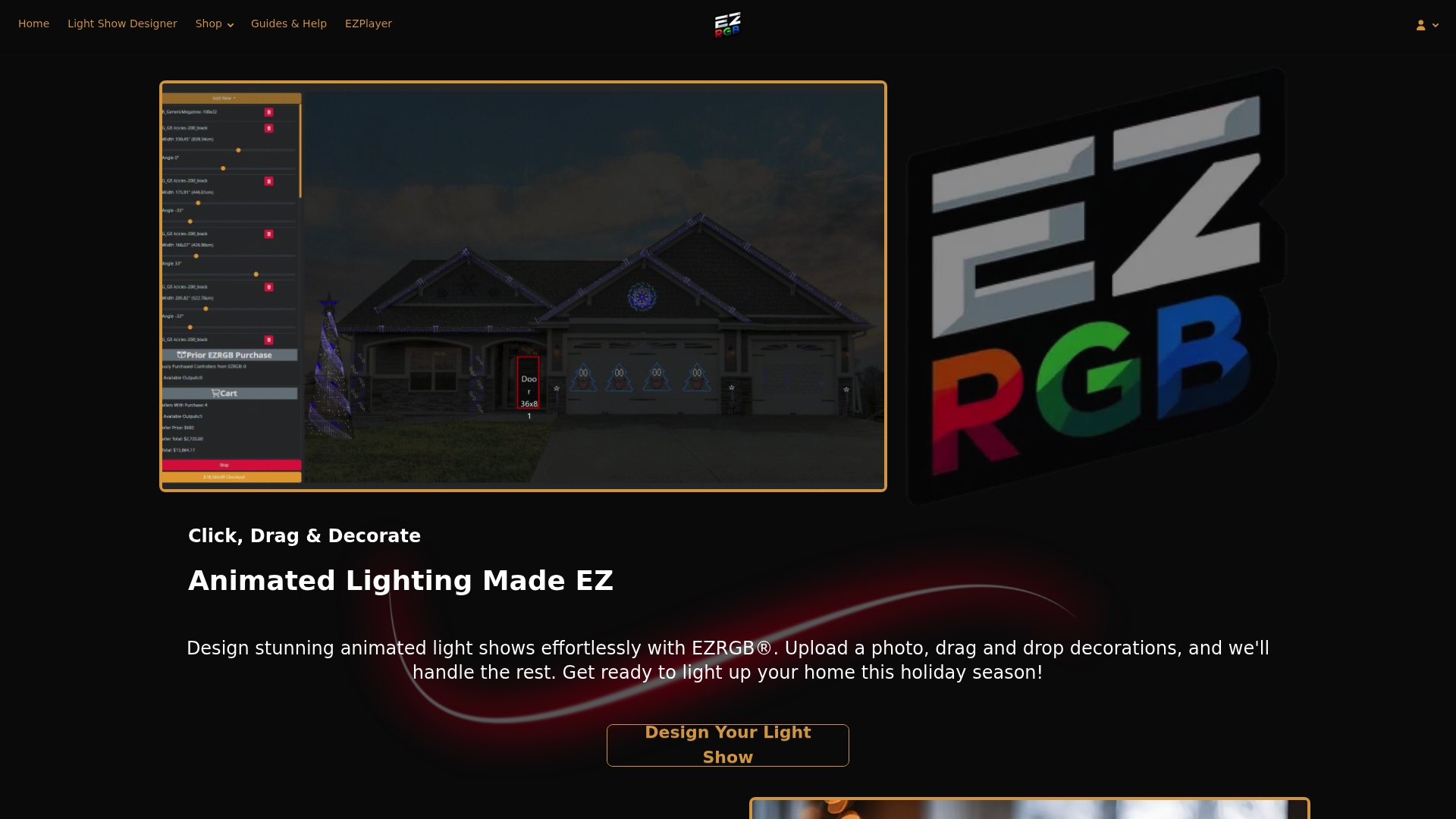
Upload your photo in EZRGB Designer. You upload a photo of your home, then drag and drop props onto the image to build your layout. EZRGB Designer works in any modern browser with no desktop installation required.
-
Professional assembly and bench testing. EZRGB assembles your kit and runs a full bench test before packing. You receive a system that has already tested so you know there are no issues from the start.
The full chain is Designer → EZSequence → EZPlayer, and cloud-based tools like these let you review and approve your layout and see a short preview before anything ships.
How plug-and-play kits differ from a traditional DIY pixel setup
A traditional DIY pixel rig gives you full creative control, but it demands real time and technical skill. Here’s how the two paths compare:
| Factor | Plug-and-Play Kit | Traditional DIY |
|---|---|---|
| Upfront time | Low — design approval only | High — sourcing, wiring, mapping |
| Technical skill needed | Minimal | Advanced time spent learning |
| Sequence mapping | Automatic in the cloud | Manual mapping in xLights or similar |
| Bench testing | Done at the factory | Done by you, component by component |
| First-run reliability | High | Depends on builder experience |
| Cost shape | Investment in assembly and convenience | Investment in time and learning |
The clearest use-case split: a busy homeowner who wants a show running by the first weekend of December is a natural plug-and-play buyer. A hobbyist who enjoys spending many evenings in xLights building custom sequences gets more from the DIY route. Both approaches use the same underlying pixel technology; the difference is who does the configuration work.
Who should choose plug-and-play and who should go DIY
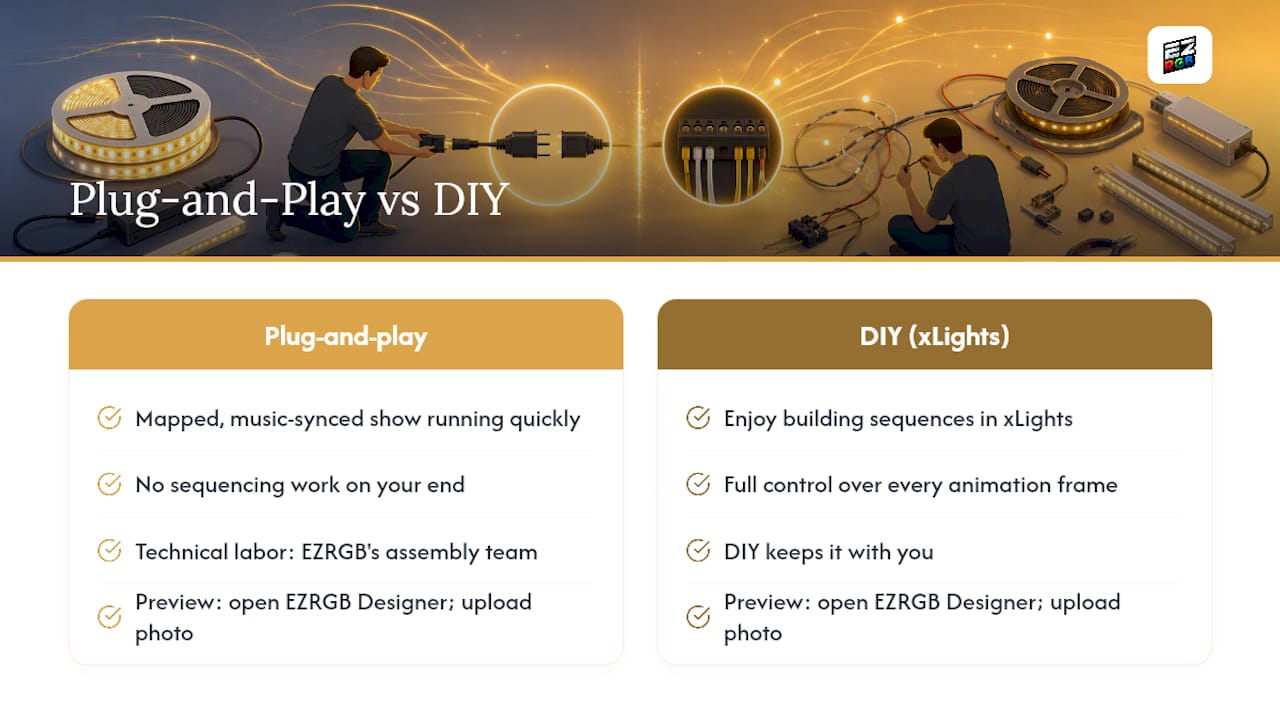
Choose a plug-and-play kit if you want a mapped, music-synced animated show running quickly with no sequencing work on your end. Choose the DIY path if you enjoy building sequences in xLights and want full control over every animation frame.
The core tradeoff is convenience versus tinkering control. Plug-and-play shifts the technical labor to EZRGB’s assembly team; DIY keeps it with you.
Your next step: open EZRGB Designer and upload a photo of your home to preview what a mapped display would look like before you commit to an order.
Key Takeaways
A plug-and-play animated RGB kit delivers a professionally mapped, bench-tested, music-synced holiday display with no manual sequencing required on your end.
| Point | Details |
|---|---|
| Complete kit contents | Each kit includes the equipment and extensions on its product page. Mounting, sequences and matching music are purchased separately. |
| Designer → EZSequence → EZPlayer | EZRGB’s three-tool workflow handles layout mapping, sequence generation, and cloud playback automatically. |
| Plug-and-play vs. DIY | Plug-and-play arrives bench-tested and ready to sync; DIY requires manual sequencing in tools like xLights. |
| Best-fit buyer | Homeowners who want a reliable, repeatable animated show without learning pixel programming. |
| EZRGB kits | EZRGB ships complete, preassembled kits with cloud-based EZPlayer scheduling and over-the-air sequence updates. |
Why we built plug-and-play kits this way
Animated holiday lighting used to require real technical depth: sourcing pixels, wiring controllers, manually mapping channels in sequencing software, and troubleshooting before a single show ran. Most homeowners don’t have that time, and the learning curve kept a genuinely impressive display format out of reach for the majority of people who wanted it.
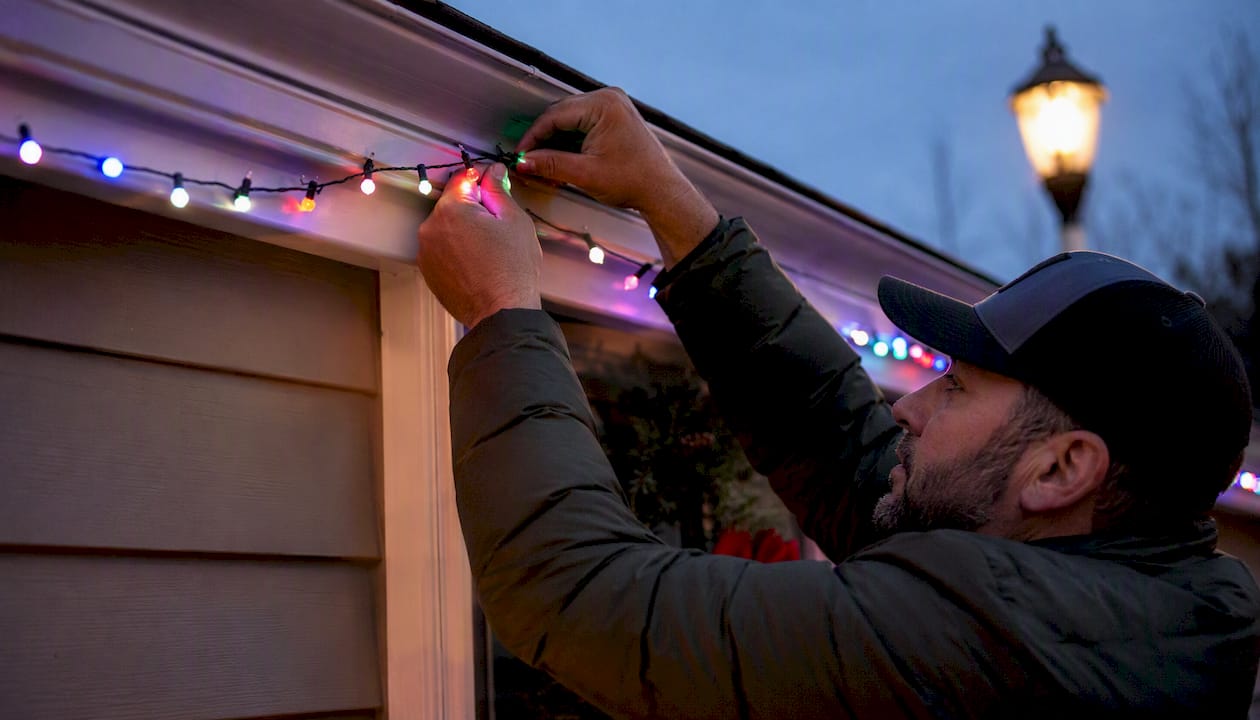
The EZRGB platform was built to close that gap. EZRGB Designer, EZSequence, and EZPlayer together handle the steps that used to require hours of configuration work. The result is a system where the hard part happens before the box ships, and your job on install day is physical, not technical.
What we’ve seen is that homeowners who get a mapped, music-synced show running on their first try come back the next season with bigger layouts. The plug-and-play model isn’t a shortcut to a lesser result; it’s a different path to the same professional-quality animated display, with the technical work done by people who do it every day.
Ready to see your home with an animated display
EZRGB makes it straightforward to go from a photo of your house to a fully mapped, music-synced animated show. Upload your home photo in EZRGB Designer, drag props into position, and the platform generates your shopping list and sequence automatically. Your kit ships professionally assembled and bench-tested, with EZPlayer ready to schedule songs and push updates over the cloud.
Before your kit arrives, prepare a measured photo of your home’s exterior, confirm you have a dedicated GFCI-protected outdoor circuit, and sketch a rough mounting plan for your props. When the box shows up, the controller is ready to be hooked to EZPlayer to sync your show and songs. Visit the guides and help center for step-by-step install walkthroughs, or go straight to EZRGB Designer to start your layout today.
FAQ
What is a plug-and-play animated RGB light kit?
An EZRGB kit contains the listed equipment and extensions for an animated light show. Choose mounting for your home and purchase sequences and matching music separately.
Do I need technical skills to install an EZRGB kit?
EZPlayer programs the controllers for your layout during setup. You mount the equipment, make the connections, sync through the cloud and test playback.
How does EZPlayer work for scheduling my show?
EZPlayer is an installed show player with cloud sync that lets you set show times, sync purchased songs, and receive over-the-air sequence updates without touching the controller hardware.
Can I add more props to my kit later?
Yes. You can add pixel props through EZRGB Designer, map them into your existing layout, and receive updated sequences without rebuilding your display from scratch. When you sync the updated layout, EZPlayer reconfigures the controllers for the new display.
How long does it take from ordering to running my first show?
Timeline varies by order complexity, but the process covers design approval, sequencing and assembly, shipping, and of on-site install, so plan your order well ahead of your target display date.
